Tiny HomeLab: Setup Kanboard
Tiny HomeLab: Setup Kanboard
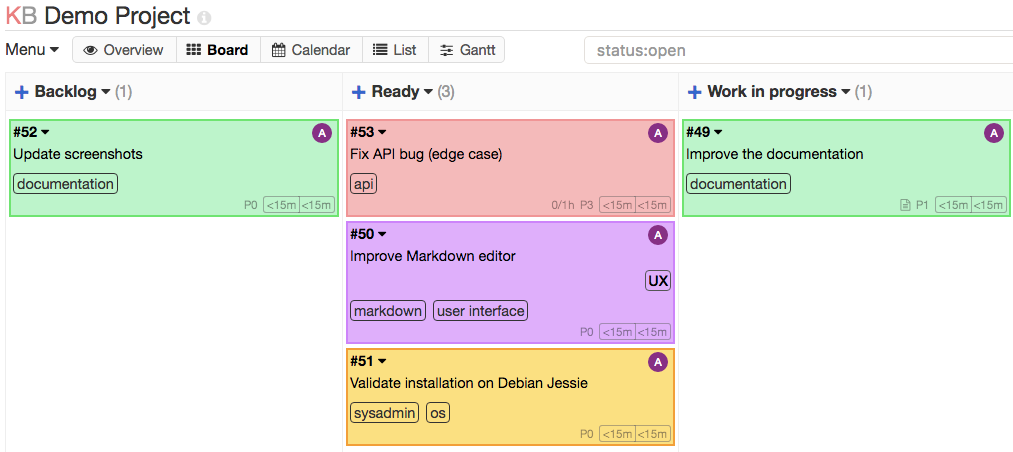
Kanboard is a free and open source Kanban project management software. It’s lightweight, clean an great for managing personal and small projects.
To Setup
- Create an empty folder:
1
  mkdir kanboard
- Crete a file named docker-compose.yaml file in the directory kanboard.
1
  touch  kanboard/docker-compose.yaml
- Here is what the docker-compose.yaml should look like
1 2 3 4 5 6 7 8 9 10 11 12 13 14
version: '2' services: kanboard: container_name: kanboard image: kanboard/kanboard:latest ports: - "4000:443" restart: always environment: - PLUGIN_INSTALLER=true volumes: - ./kanboard_data:/var/www/app/data - ./kanboard_plugins:/var/www/app/plugins - ./kanboard_ssl:/etc/nginx/ssl - Create following folders inside kanboard directory:
1
2
3
  mkdir kanboard_data
  mkdir kanboard_plugins
  mkdir kanboard_ssl
- Start the docker with following command, this will download the images and start the container
1
  docker compose up -d
- Once the container is ready, web UI is available at
1
  http://<your-kanboard-server-ip>/4000
To stop the service
- use following command
1
  docker compose down
To Update
- Update using following command
1
  docker compose pull && docker compose up -d
- Prune the unused old images
1
  docker image prune
This post is licensed under
CC BY 4.0
by the author.